

Latest Version
SteamGridDB
Travel & Local
Linux
Free
com.steamgriddb.SGDBoop
Report a Problem
More About SGDBoop
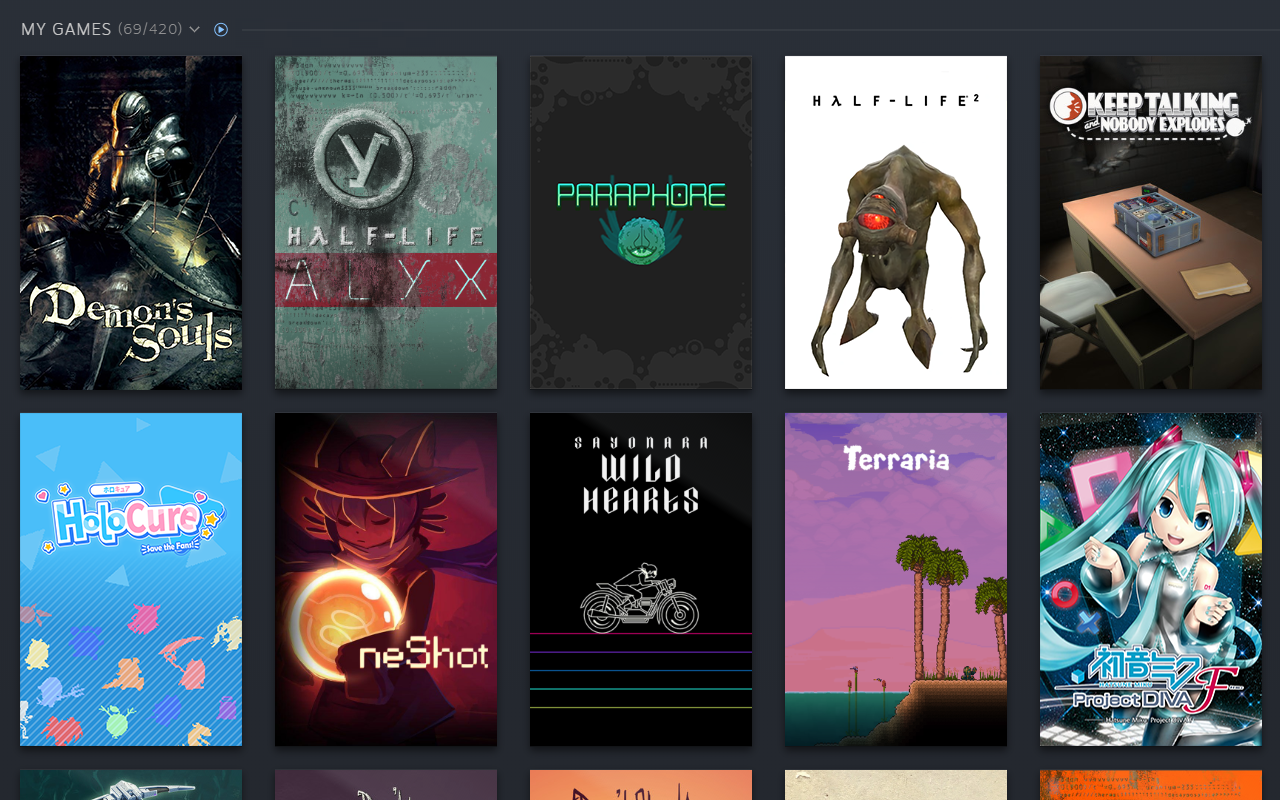
Picture this: you have spent hours curation-perfecting your Steam library, but half of your non-Steam games or older titles are missing proper artwork, grids, or hero banners. Manually downloading images, navigating complex directories, and uploading them one by one is an exhausting chore. This is where SGDBoop automatic Steam artwork application completely changes the game for Linux users.
What is SGDBoop?
Developed by the team behind SteamGridDB, SGDBoop is a lightweight, open-source helper tool designed specifically for Linux. Its sole purpose is to bridge the gap between your local Steam client and the massive community-driven database of SteamGridDB. Instead of saving images locally and manually assigning them via the Steam UI, this tool lets you apply custom graphics with a single click directly from your web browser.
How SGDBoop Simplifies Library Customization
The core utility of this application lies in its integration with custom URL protocols. By registering the sgdb:// protocol on your system, the tool listens for commands sent from the SteamGridDB website. Here is how the workflow is streamlined:
- Instant Integration: No more manual saving or browsing local files to find downloaded images.
- Direct Asset Application: Apply custom grids, heroes, logos, and icons instantly.
- Linux Native: Tailored specifically to run seamlessly on Linux environments.
Setting Up the SGDBoop Automatic Steam Artwork Application
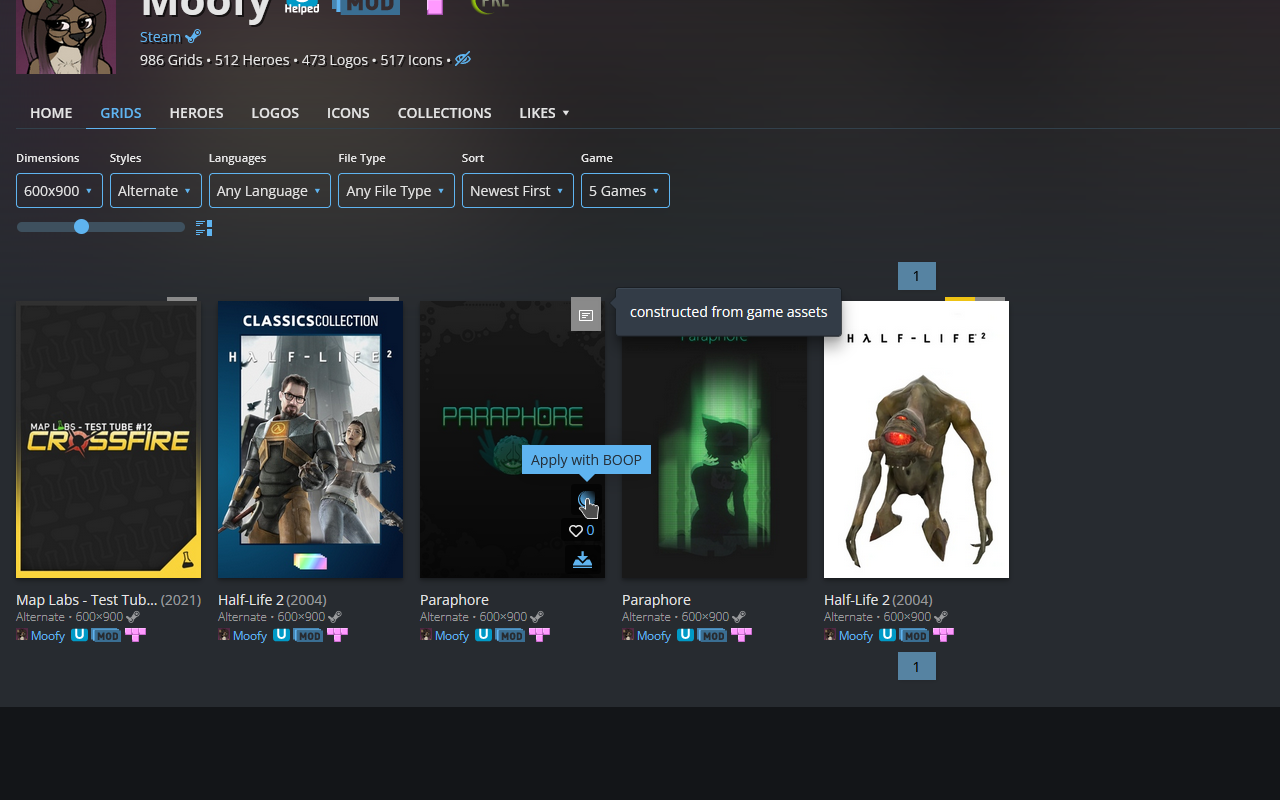
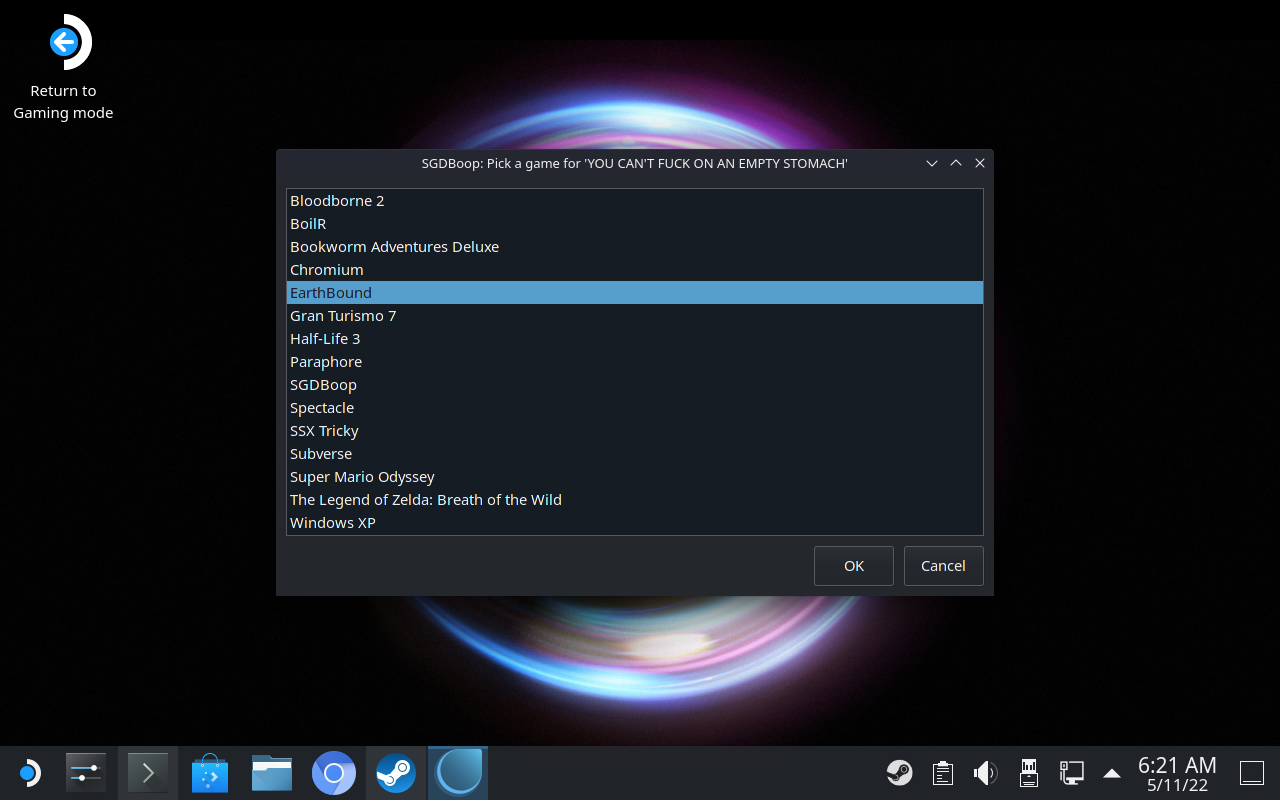
To get started, users need to perform a quick, two-step configuration. First, set up the helper application on your Linux system. Second, visit the official SteamGridDB setup page to link your browser. Once configured, browsing the SteamGridDB website reveals a "Boop" button on every asset. Clicking this button instantly sends the asset to the tool, which automatically updates your Steam library configuration behind the scenes.
An Essential Tool for Linux Gamers
For Steam Deck owners and desktop Linux gamers alike, maintaining a beautiful library can be tedious. This utility removes all the friction from the process. If you want to elevate your gaming setup without the headache of manual file management, we highly recommend checking out this tool. To download the utility and begin customizing your library, head over to the official Flathub store page today.
Rate the App
User Reviews






Popular Apps










Editor's Choice