

Latest Version
Microsoft Corporation
iOS
Free
983156458
Report a Problem
More About Microsoft Authenticator
Securing Your Digital Identity with Microsoft Authenticator
In an era where digital security is paramount, the Microsoft Authenticator secure sign-in application stands out as an essential tool for safeguarding personal and professional credentials. Developed by Microsoft Corporation for iOS, this robust utility simplifies the login process while adding industry-standard security layers. Whether you are managing personal accounts or accessing restricted organizational resources, this app bridges the gap between high-level security and user convenience.
Who Benefits Most from Microsoft Authenticator?
This application is highly beneficial for several key user groups:
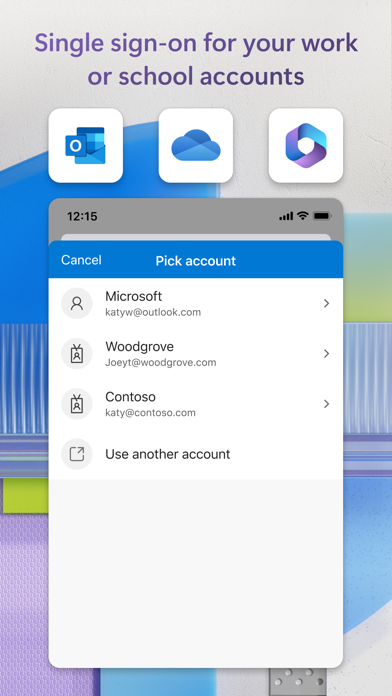
- Remote Professionals and Students: Many organizations and academic institutions require the installation of this utility to access internal portals. It supports certificate-based authentication, verifying that your device is trusted and allowing seamless access to enterprise resources.
- Everyday Web Users: Anyone looking to secure standard online accounts on platforms like Google, Facebook, Amazon, and GitHub can utilize the app's time-based one-time password (TOTP) generator.
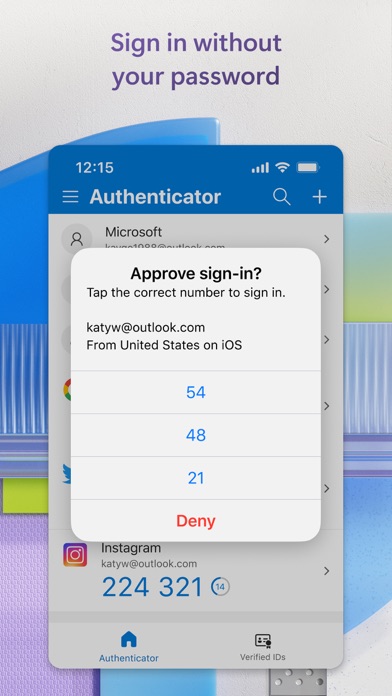
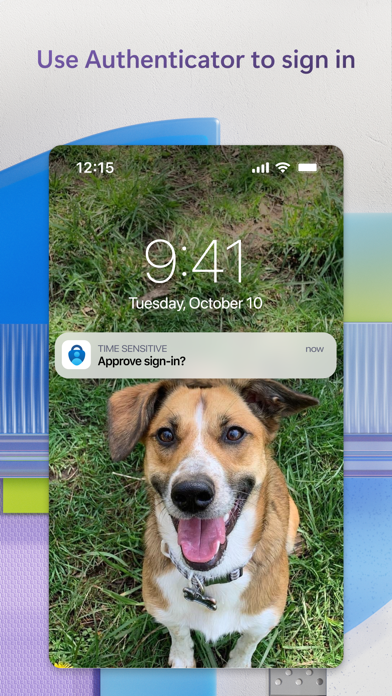
- Those Wanting to Go Passwordless: Users who want to eliminate the hassle of remembering complex passwords can sign in simply by approving a push notification on their phone, verified by fingerprint, face ID, or a PIN.
Key Features of the Microsoft Authenticator Secure Sign-In Tool
Understanding how this application protects your data involves looking at its core functionalities:
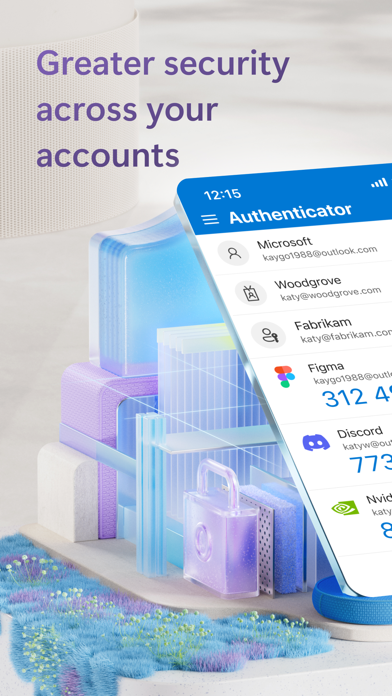
- Multi-Factor Authentication (MFA): Adds a crucial second layer of defense. When logging in, you can either approve a prompt sent directly to your phone or enter a 30-second rotating code. Because these codes do not require an active network connection, they will not drain your battery or leave you stranded offline.
- Biometric Passwordless Login: Instead of typing your password, you can use your phone as your primary credential. Enter your username and confirm the login via Face ID, Touch ID, or your device PIN.
- Integrated Password Autofill: The app securely syncs your credentials across devices. By importing credentials from browsers or other managers, you can set this utility as your default autofill provider on iOS, ensuring your credentials remain protected behind biometric locks.
The Verdict: A Must-Have Security Companion
The Microsoft Authenticator secure sign-in app is a highly reliable, versatile security application. It eliminates credential vulnerability while providing a smooth user experience. To secure your online presence, check out the app on its official store page on the iOS App Store today.
Rate the App
User Reviews

Popular Apps










Editor's Choice